DaDesktop Use Cases
DaDesktop serves two fundamentally different purposes:
- Cloud Desktops for Training and Development
- Professional Work Desktops
Cloud Desktops for Training and Development
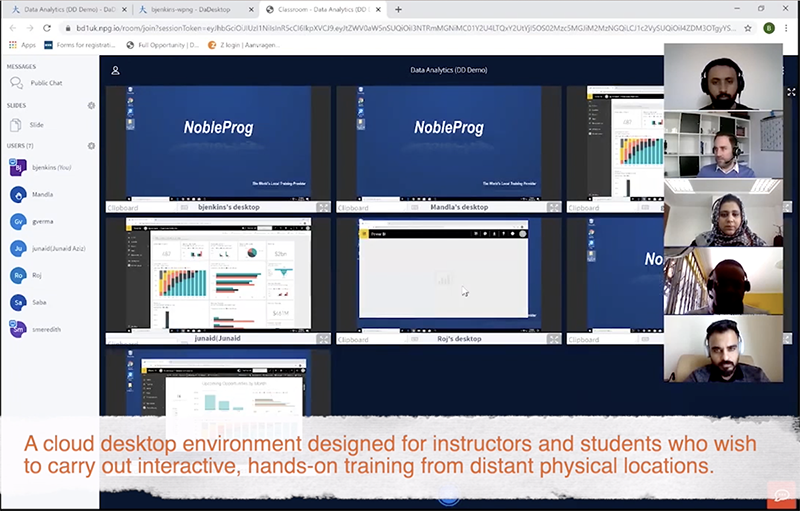
Desktops designed for training and development prioritize speed and user convenience. Enrollment is seamless, requiring only a shared link to grant access. This setup is ideal for interactive, instructor-led cloud environments or virtual classrooms that deliver high-quality corporate training. During online sessions, instructors can monitor student desktops in real time to gauge engagement and participation.
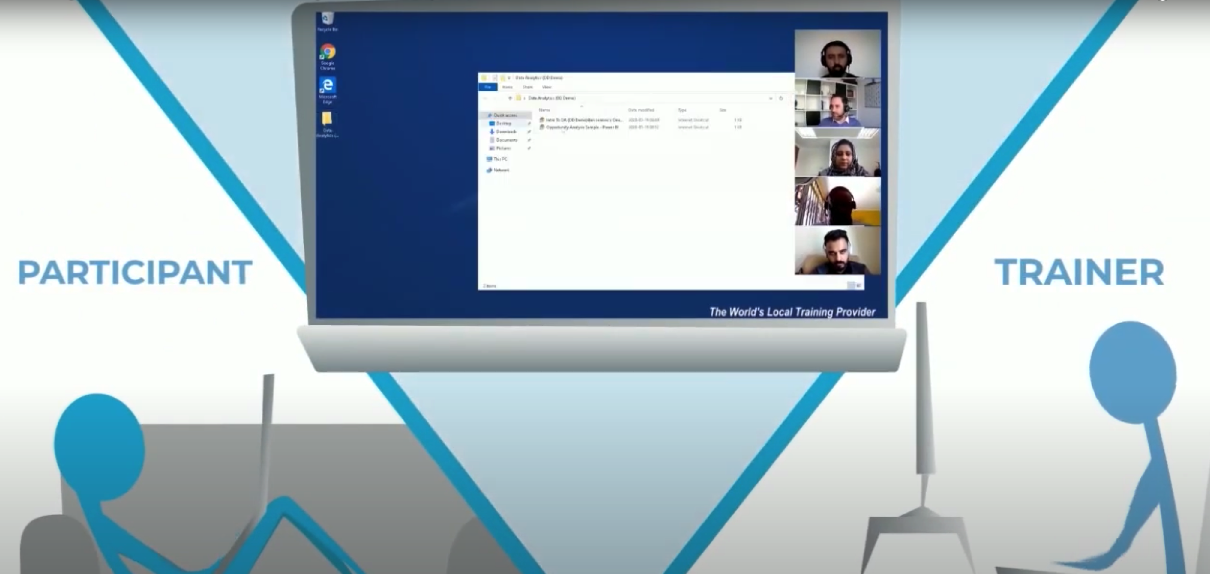
To provide effective coaching, instructors have the capability to remotely access a student’s desktop.
Additionally, training sessions can be recorded with audio to serve as a reference for future review.
DaDesktop offers capabilities that go beyond a standard learning management system!
Professional Work Desktops
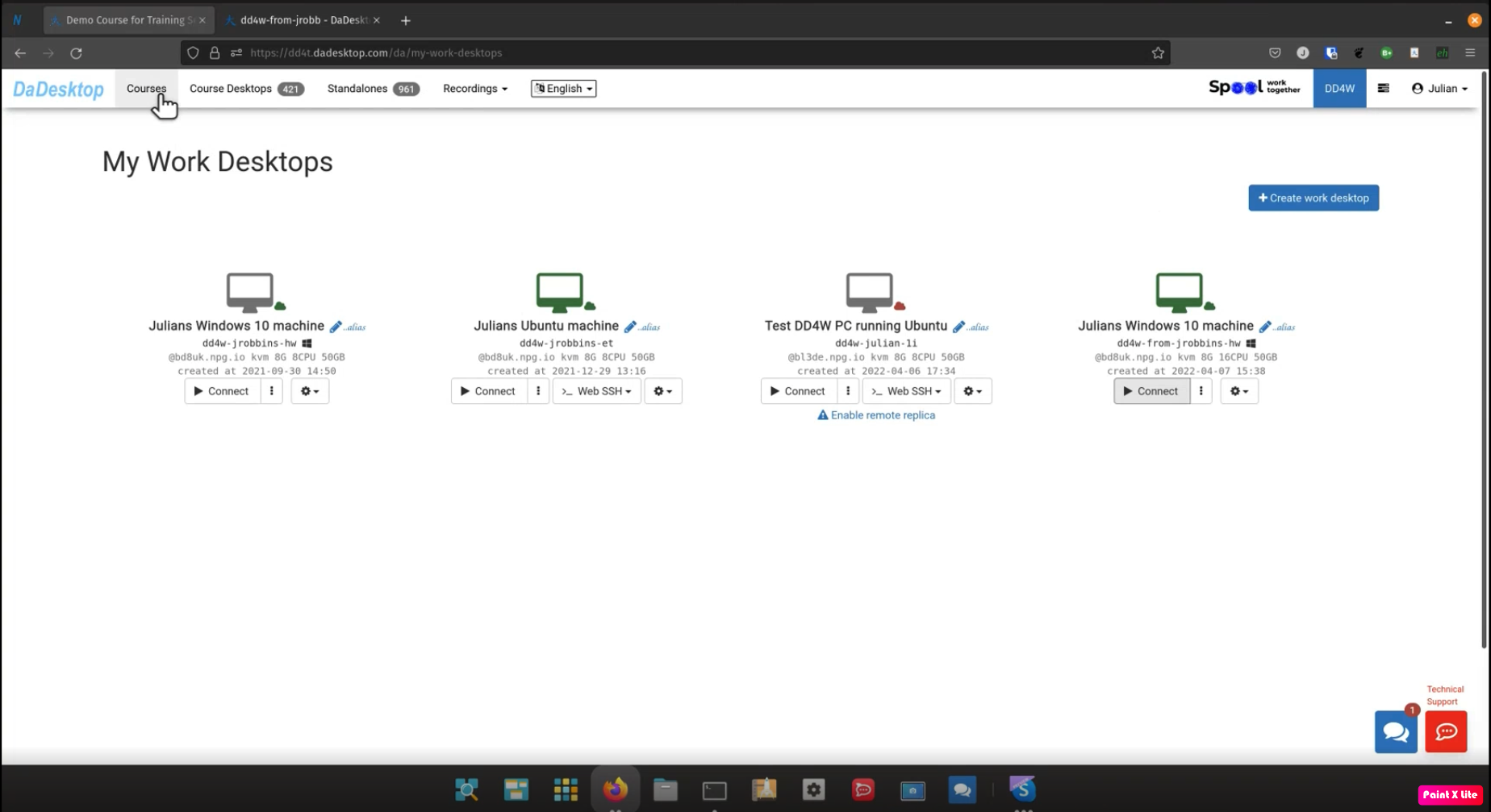
Work Desktops (often referred to as DaDesktop for Work or dd4w) function as dedicated cloud desktops for employees. Employers maintain complete control over the data and software utilized by staff, ensuring that all data and communications are encrypted.
Data Security
Employers can limit data transfer capabilities to prevent employees from moving sensitive information out of the cloud environment. By restricting clipboard usage and access to specific websites, all data processing remains securely contained within the virtual desktop.
Action Logging
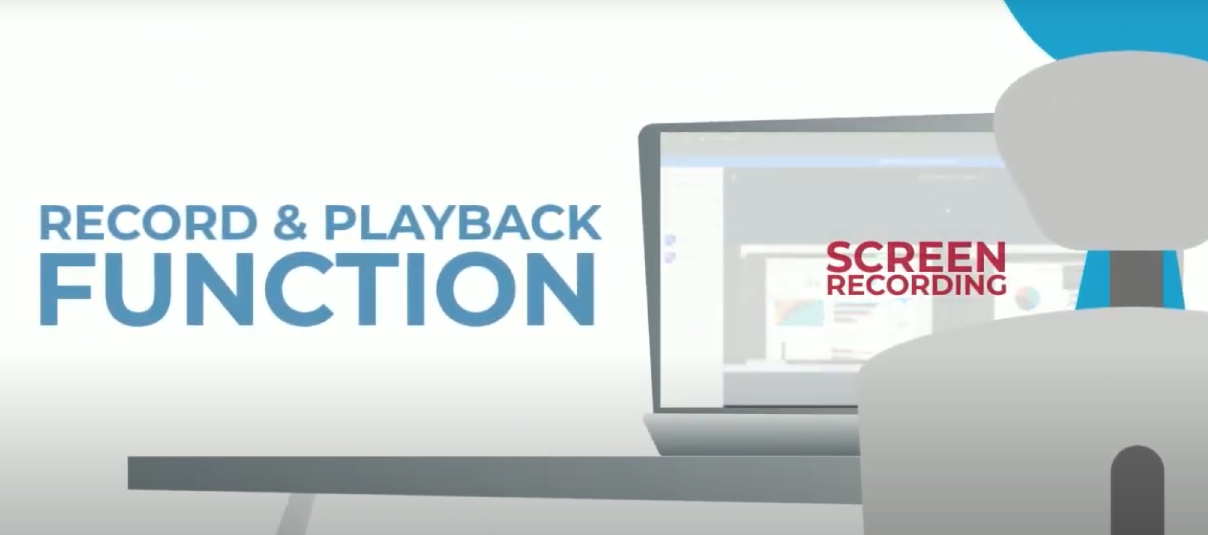
User activities can be logged in a highly efficient format, allowing for the storage of millions of hours of virtual desktop usage per employee. These recordings can be analyzed to detect potential fraudulent behavior.
Secure Network Access
Access to internal corporate applications can be restricted solely to DaDesktops. This approach controls access to confidential information and eliminates the risk of data interception on employees' personal devices.
DaDesktop is a comprehensive virtual office platform!