Managing Every Desktop Instance
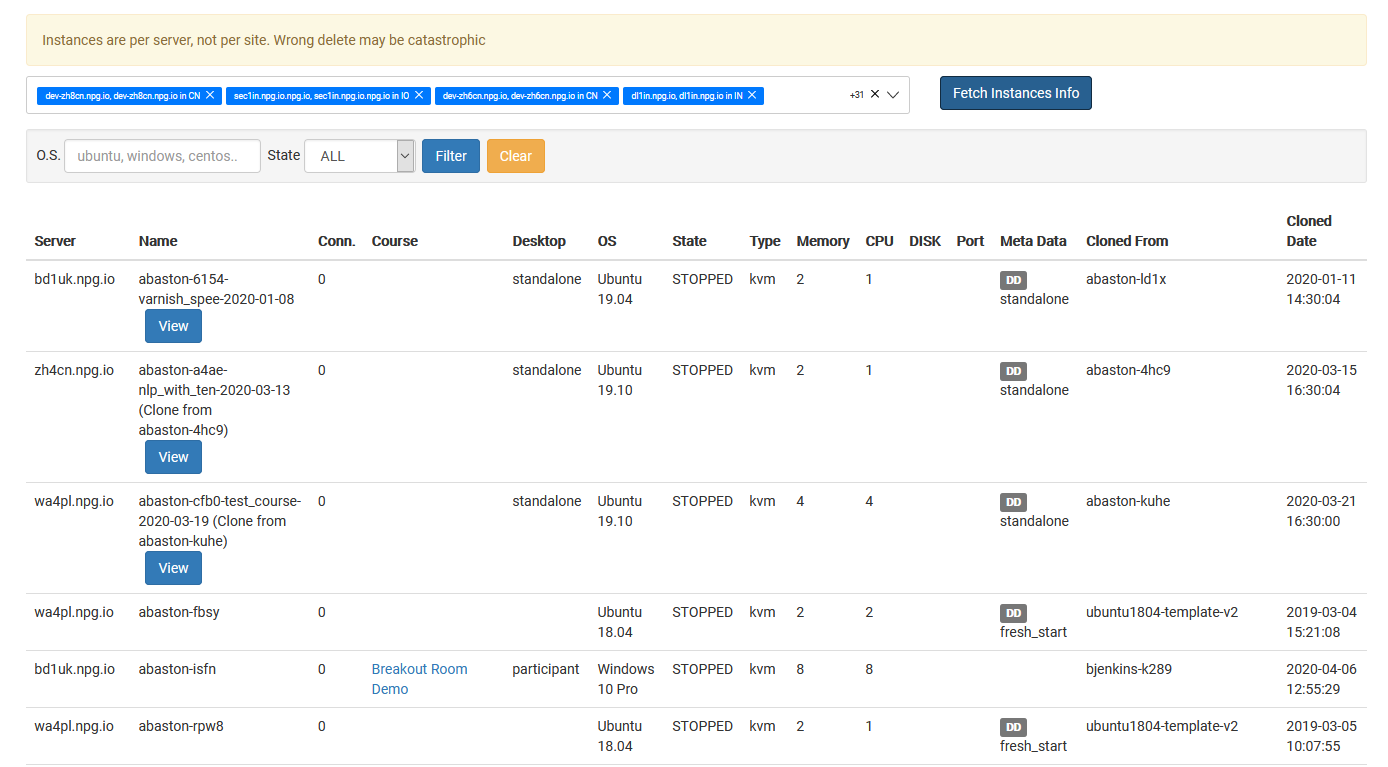
With the Managing All Desktop Instances page, Super Administrators can oversee and control every desktop instance from one central hub. It delivers a comprehensive view of all desktops—no matter which organization, course, or server they're tied to—streamlining system monitoring and administrative duties.
What You Can Achieve
- Browse all desktop instances on a single page.
- Use search and filters to locate specific desktops in no time.
- Review real-time status and details for each instance.
- Carry out administrative actions on chosen instances as needed.
- Keep an eye on desktops spanning multiple organizations, servers, and data centres—all from one place.
Who Gets Access to This Feature
The Super Administrator role grants access to Managing All Desktop Instances. This feature is designed for admins who require oversight of desktop instances throughout the whole DaDesktop environment, rather than being limited to one organization or course.