Managing Work Desktops
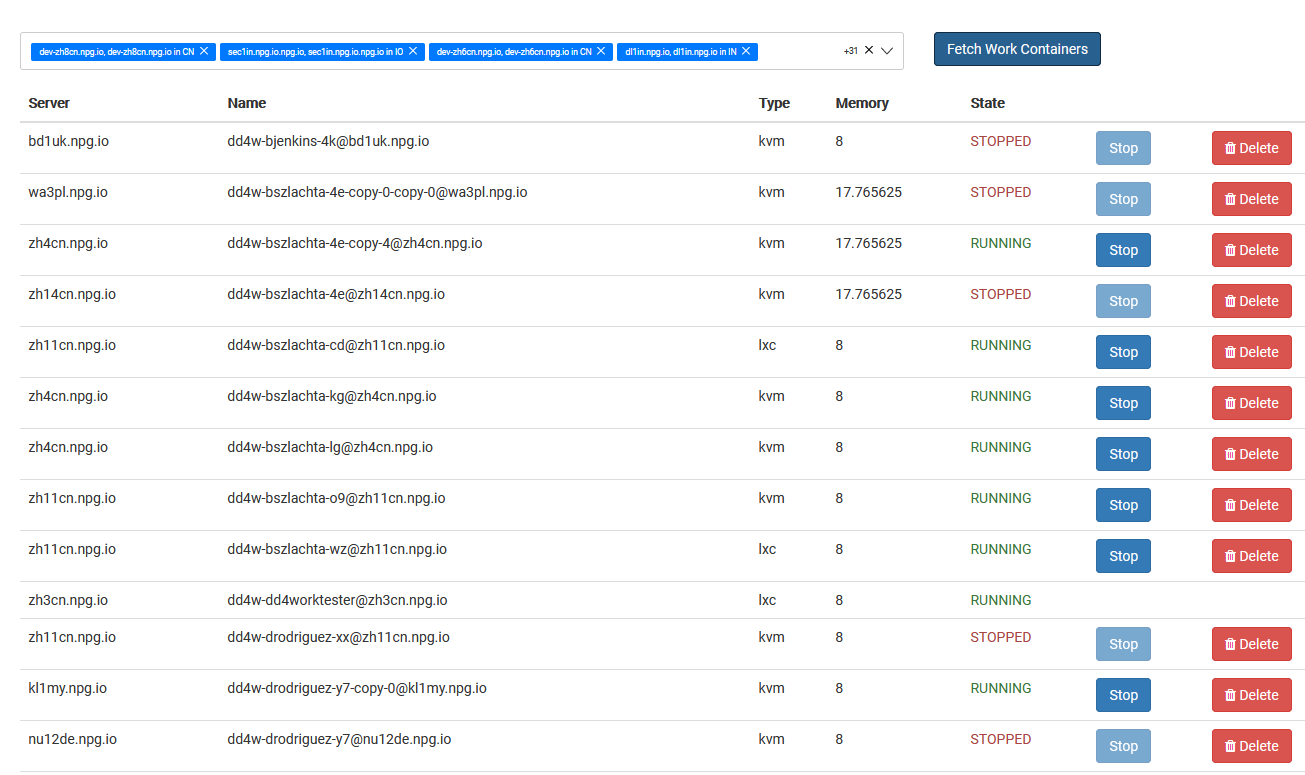
The Managing Work Desktops screen gives Super Administrators a single interface to monitor and control every DaDesktop for Work instance. These work desktops are built for extended use and are allocated to specific users, ensuring reliable, ongoing access to their personal desktop workspace.
Work Desktop List
This section shows every work desktop alongside its real-time status and essential details. Administrators can easily spot each desktop, track its availability, and take action as needed.
Available Actions
Based on each desktop’s condition, administrators can carry out management operations straight from this screen. These tools let you keep work desktops healthy across their entire lifespan, guaranteeing that users always stay connected to the environments they’ve been allocated.
Administration
The Managing Work Desktops feature offers a unified dashboard for overseeing all work desktop assets. It streamlines administrative work by letting Super Administrators watch over and control user work desktops from one central point—right here in Greece—without impacting training or standalone desktop types.