Recording Administration
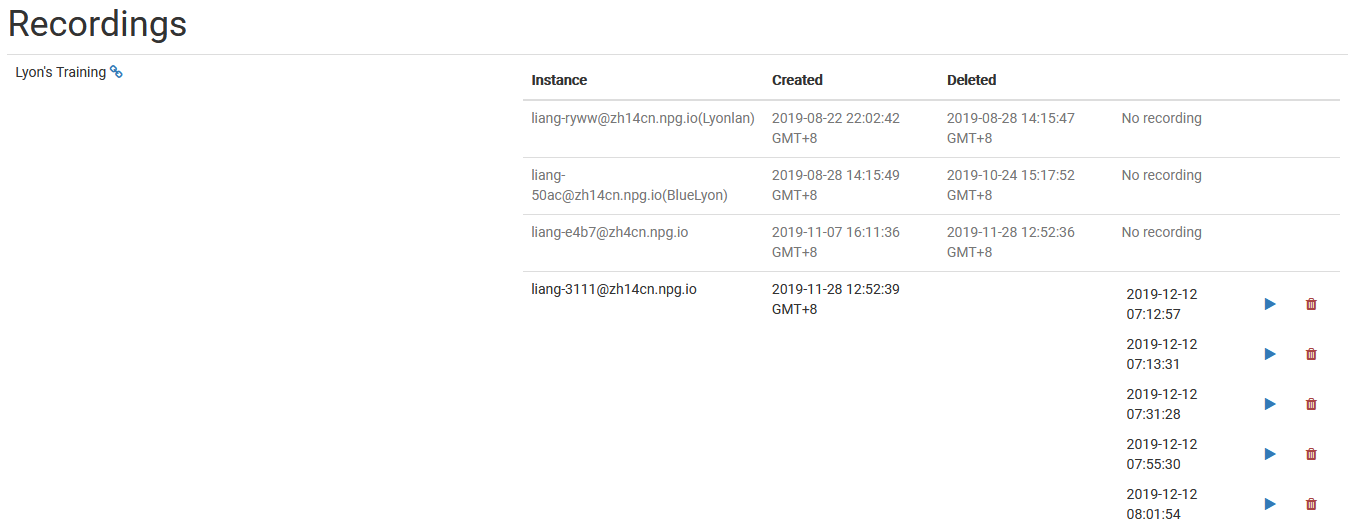
The Managing Recordings page gives Super Admins the ability to oversee and handle recordings made in DaDesktop. This central hub lets you review recordings and keeps everything tidy, making it easy to remove ones that are outdated.
Record Administration
On this page, admins can scroll through the recording list and check specifics. This simplifies monitoring recordings across the platform and conducting maintenance as necessary.
Removing Recordings
Recordings that have served their purpose can be deleted directly from the interface. This clears out unneeded content, organizing your system and cutting down on storage waste. Be sure to only remove recordings permanently, as deletion is meant for final cleansing.