Confirm Course Delegates
-
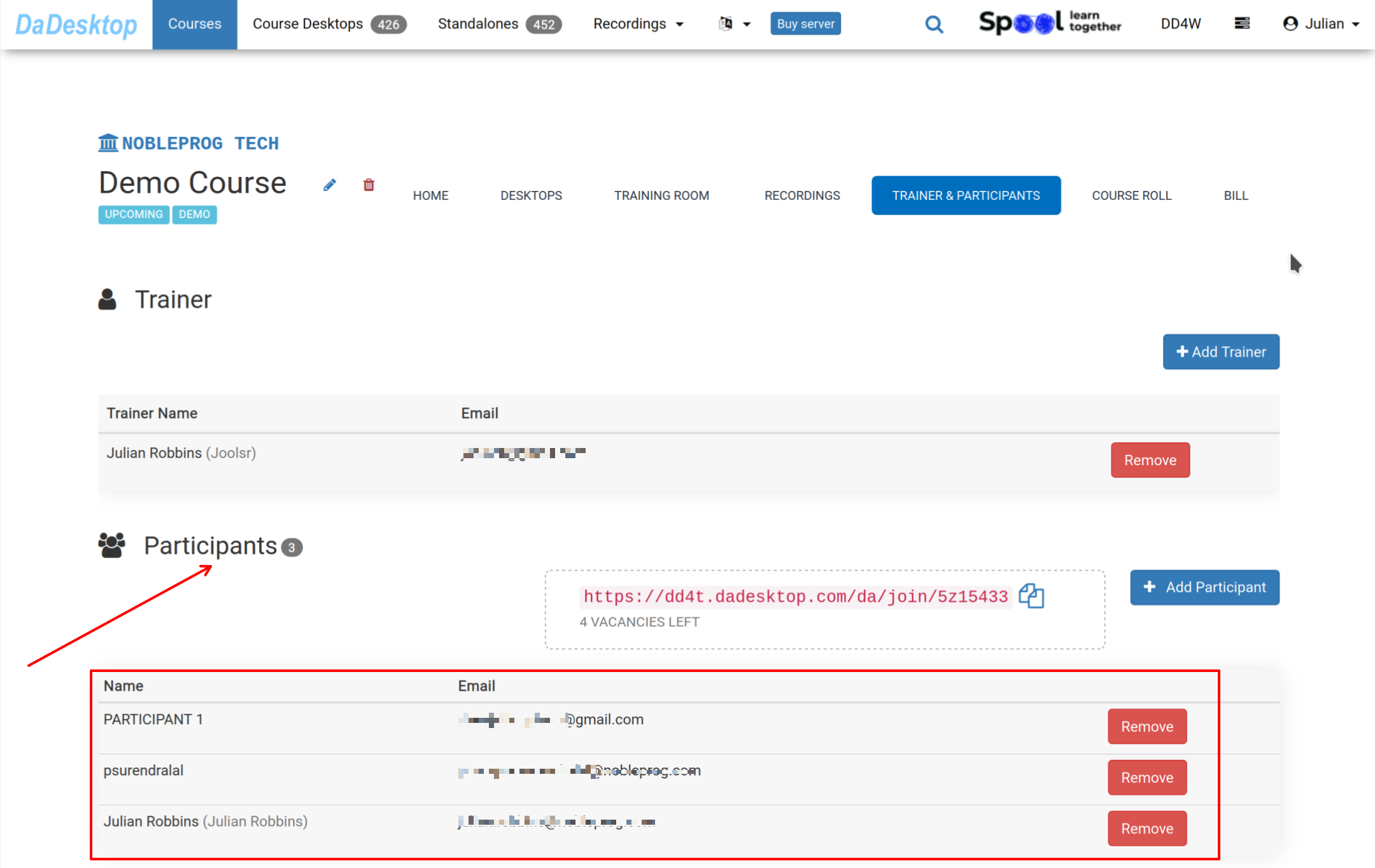
Before the training begins, head to the Course and select "Trainer & Participants" to see if all participants have already joined in the course before training starts.
-
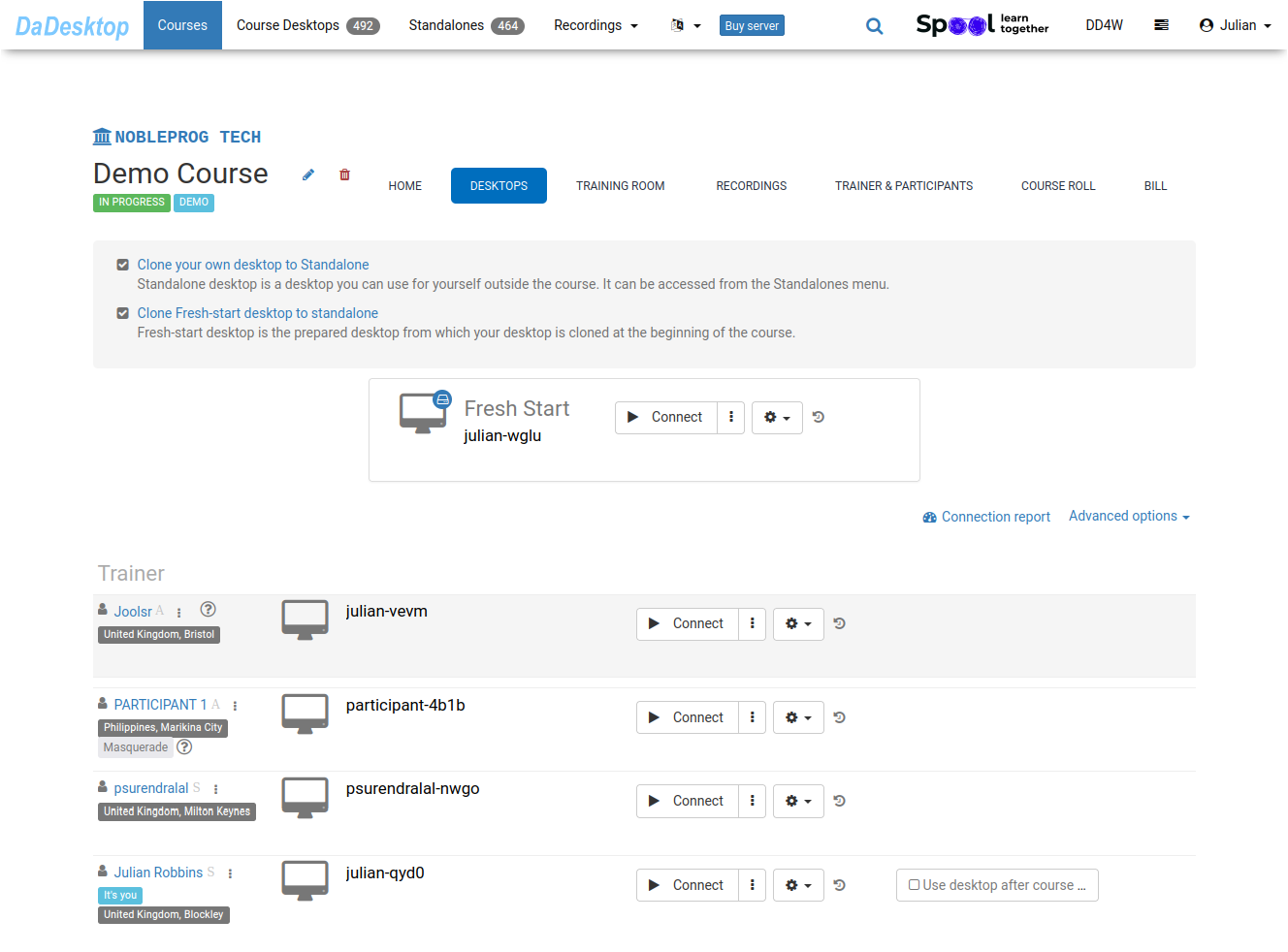
When delegates enter the "Training Room", their desktops are automatically created from the "Fresh-Start" baseline.
To keep things clear, this guide skips over a few extra steps that the system handles behind the scenes during the cloning process.
-