Create new course
-
Locate the blue "Create new course" button and click it
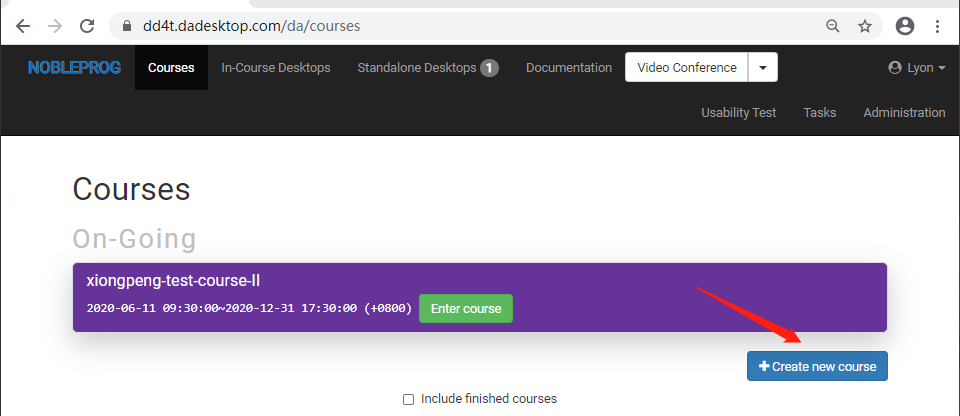
-
Set the schedule for DaDesktop usage in the course, delegate numbers, nearest data centers, etc.
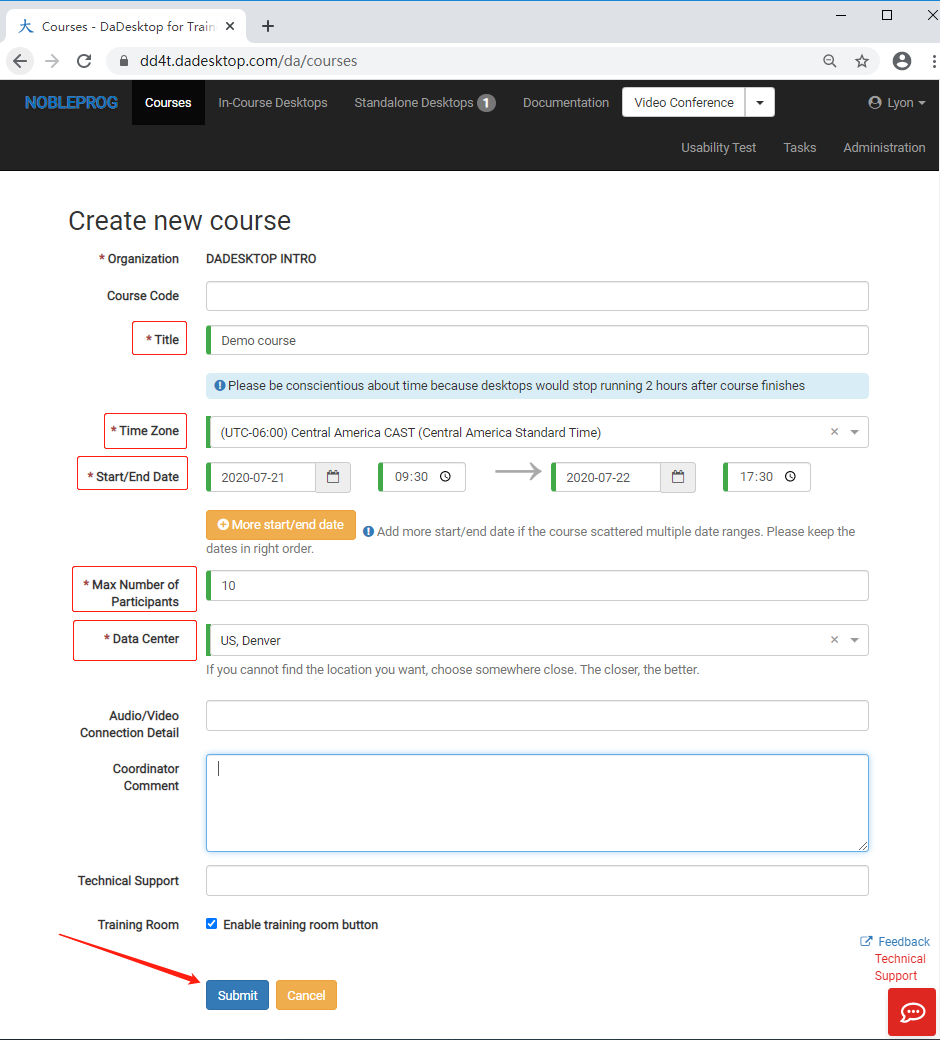
- Submit to finalise, and if you need to change any details, simply edit the course afterwards.