Getting Your Standalone Ready
-
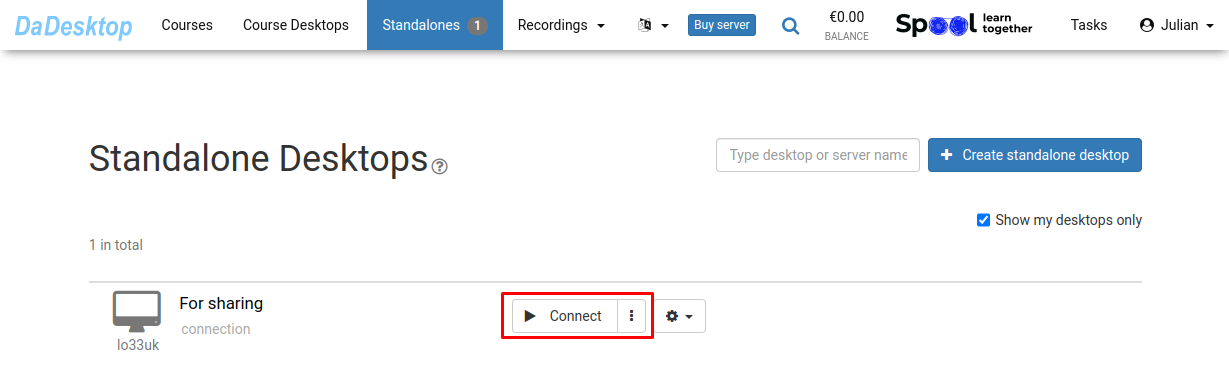
To get started, click on "Connect"
-
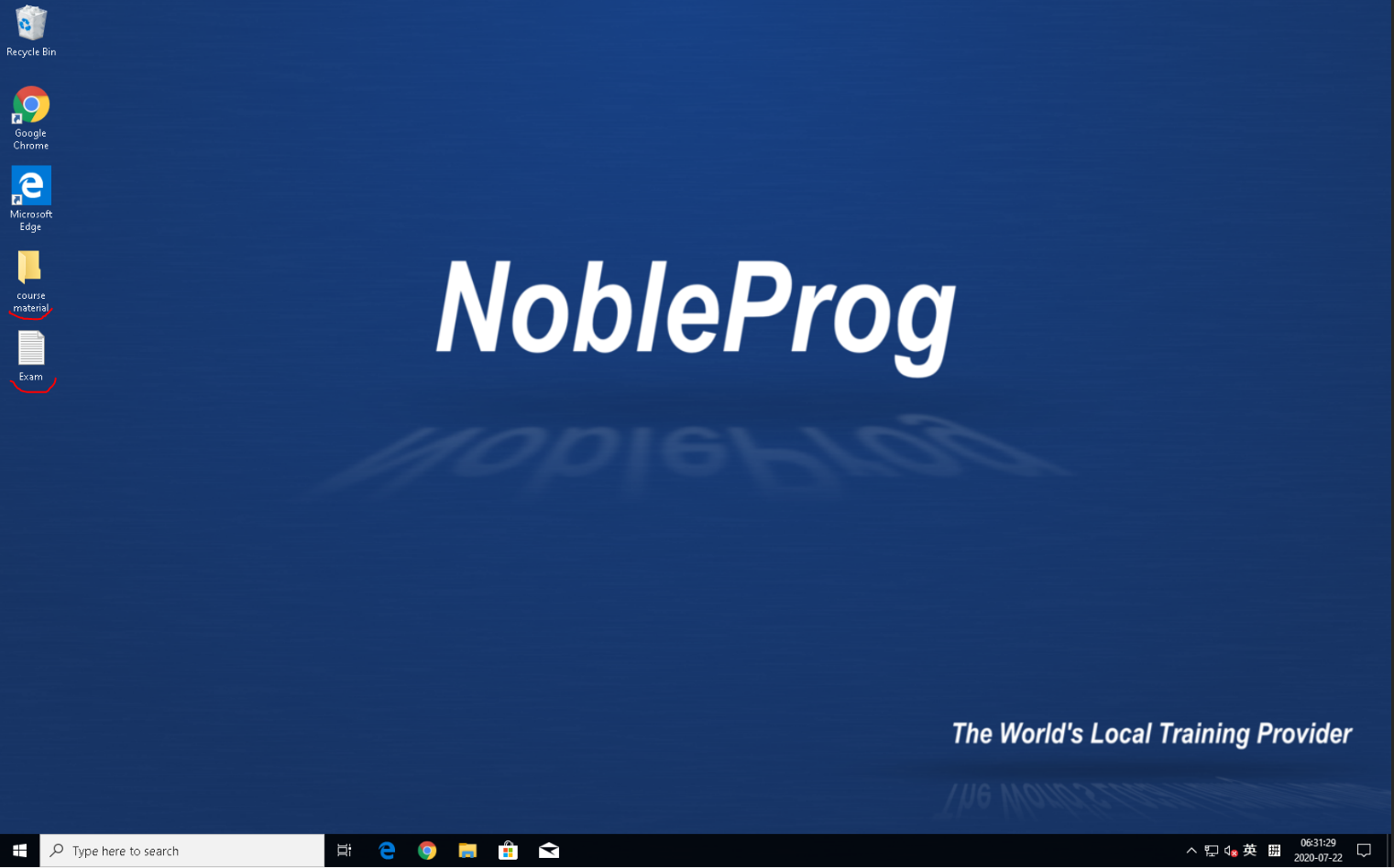
Next, set up your Standalone by installing the necessary software, uploading your course materials, and adding any supporting tools
-
We give you DaDesktop, a web-based virtual desktop that lets you do your course preparation exactly as you would on your own laptop
-
You prepare the desktop just once, and then when you click "Clone to participants", everyone gets that same environment