Deleting Your Account
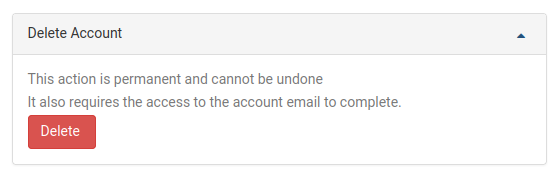
To remove your DaDesktop user account, head to the My Account page. At the very bottom, you'll find the option to delete your account. Simply select the Delete button to begin the process.
Once you press Delete, you'll be asked to confirm by entering your DaDesktop account password. After that, the system will email a confirmation link to the address you have on file. Open that email and click the link to finalize the account deletion.