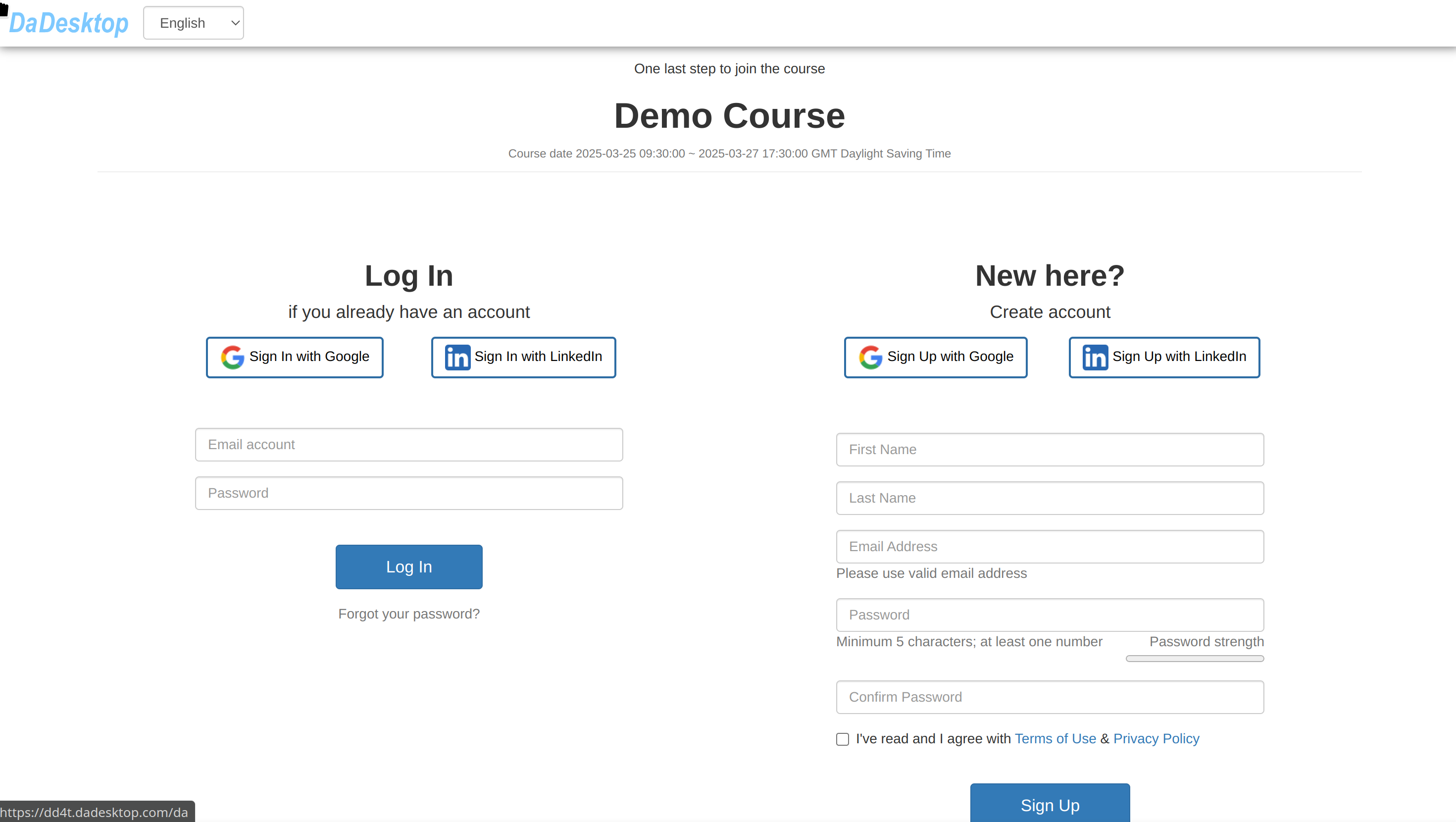
Sending Out Participant Invitations
Once a course has been set up, the trainer can distribute invitations to learners using the specially marked pink invitation link.
- By following that link, participants can enrol directly on the course.
- Each training course has its own dedicated link (one course, one link).
- For the best registration experience, please stick to Chrome or Firefox.
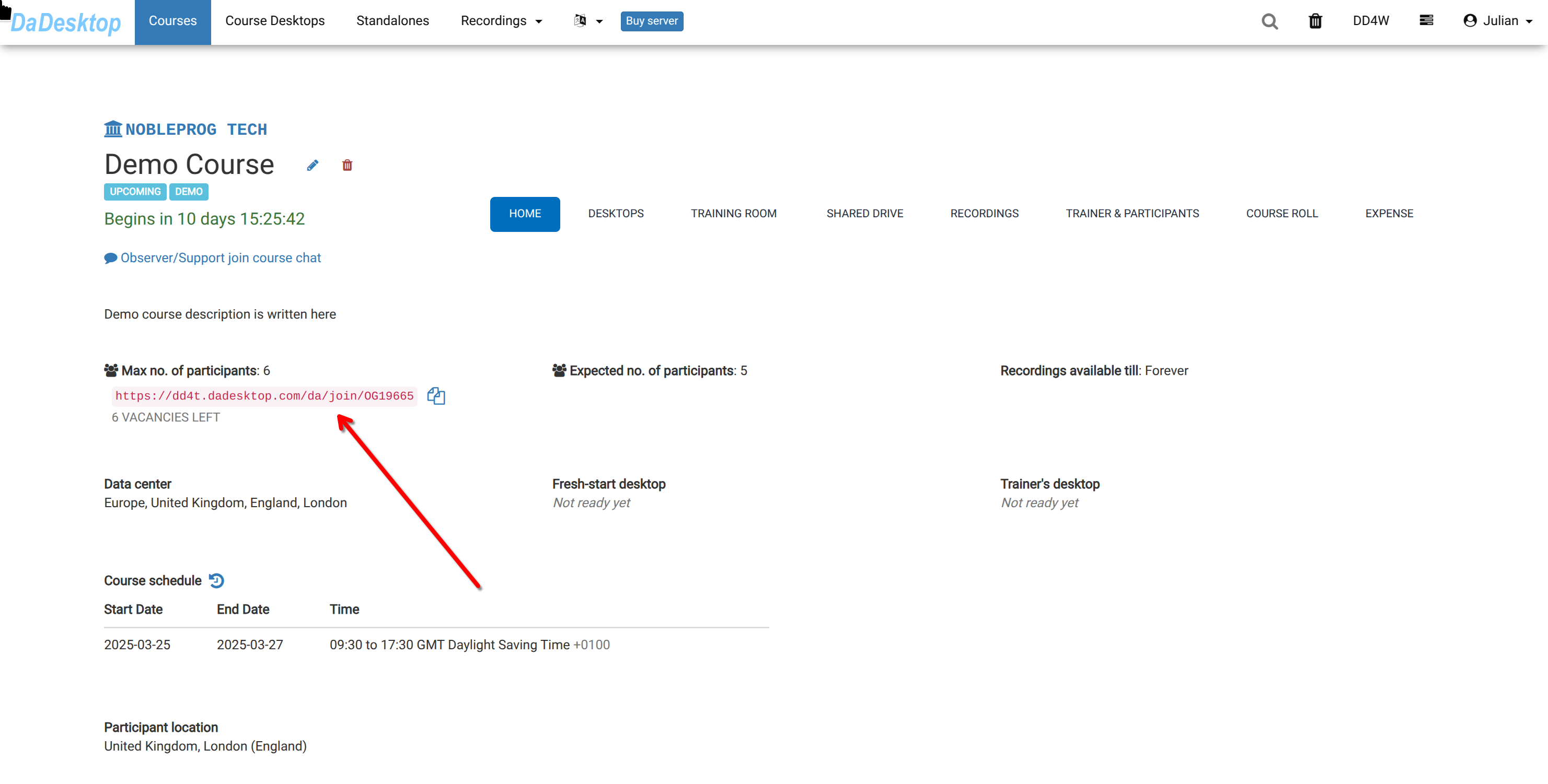
If you’re taking part as a learner, simply open the shared link and sign up for the training.